Host a session
Post open play, drills or a social so nearby players can join.
- 1.
On a phone, tap +, then Host a session. You can also open Hosting and tap Host a session. Only hosts can do this.
- 2.
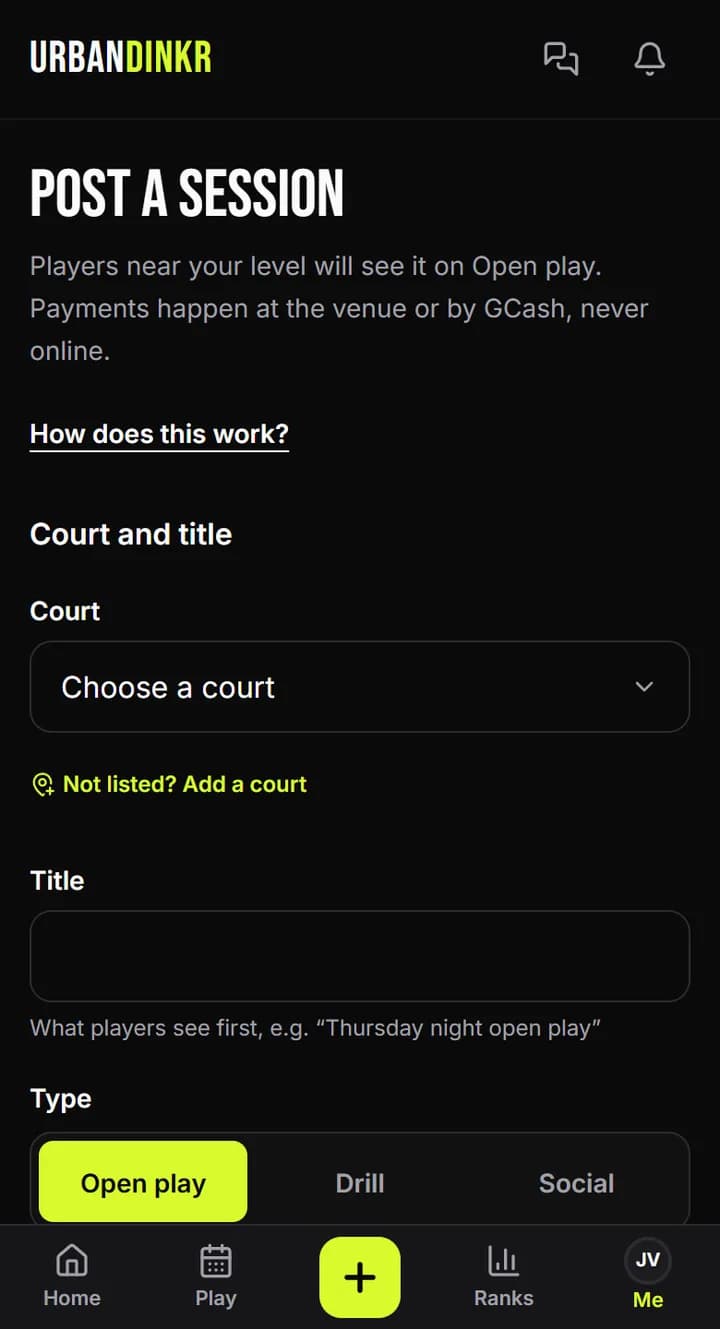
Pick the Court. If you have none yet, Add a court first.
- 3.
Write a Title and pick the Type.
- 4.
Set the Date, Start time and How long. Times are Philippine time.
- 5.
Set Players and Waitlist spots. 0 waitlist spots turns the waitlist off. Pick Lowest level welcome and Highest level welcome.
- 6.
Add the Fee, Payment details and Notes for players. Only players who RSVP see the payment details.
- 7.
Tap Post session.
Managing your session
It's under My upcoming sessions in Hosting. Open it to see the roster, change the details or cancel it.
Courts with a schedule
At a court with an hourly schedule, you can pick Courts used so those courts are held as open play.
Money
Payments happen at the venue or by GCash, never online. Never collect money for a session that doesn't exist.
Still stuck? Contact us