Confirm or dispute a score
When someone logs a match against you, you say whether the score is right.
- 1.
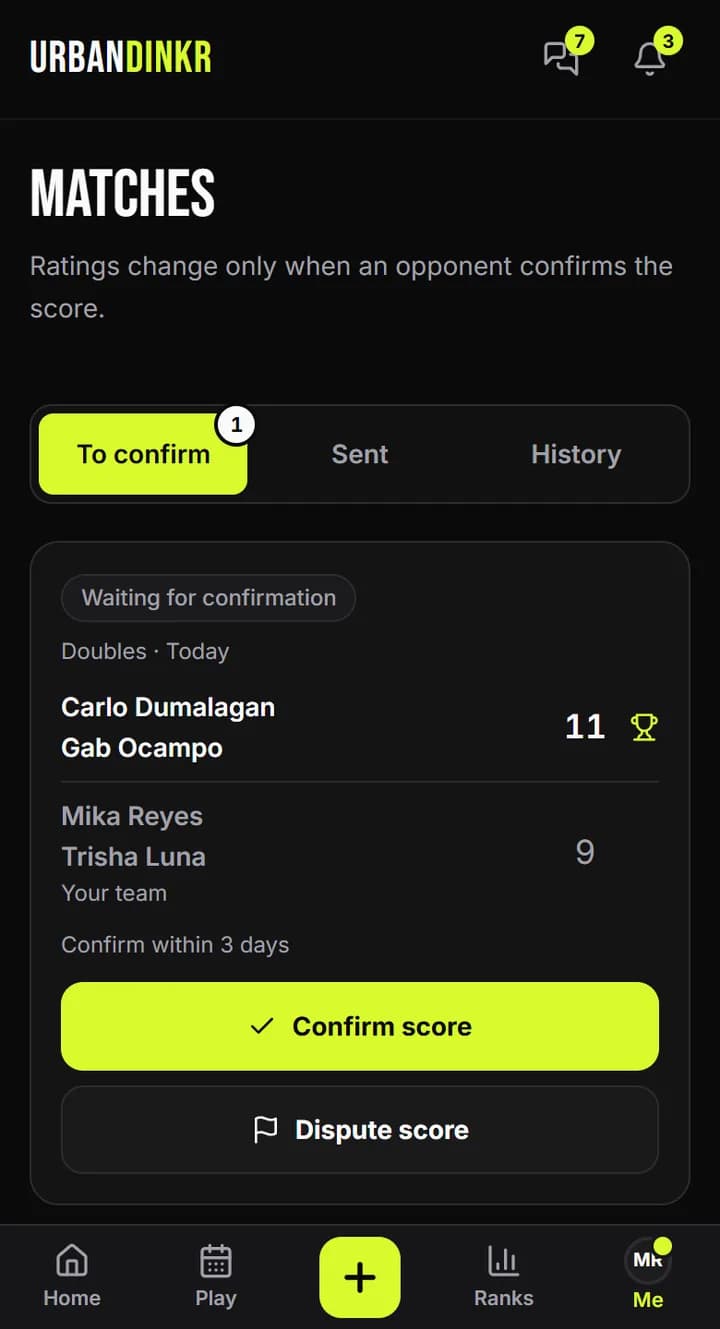
You get a notification. You can also open Matches, then To confirm.
- 2.
Find the match in that list and check the players and the score.
- 3.
If it's right, tap Confirm score. Ratings update and you see the changes.
- 4.
If it's wrong, tap Dispute score, pick a reason and add details if you like.
- 5.
Ratings don't change on a disputed match. Whoever logged it can log it again.
Who can do what
An opponent can confirm or dispute. A doubles partner of the person who logged it can dispute, but can't confirm. The person who logged it can delete it while it's waiting.
Time limit
A match waits 72 hours for confirmation. After that it expires and no rating changes.
Disagreeing after a match is confirmed
Contact us through Help & feedback and say which match it is.
Still stuck? Contact us