Log a match
Already played? Enter the score, and your opponent confirms it.
- 1.
On a phone, tap +, then Log a match. On a computer, open Matches, then Log a score.
- 2.
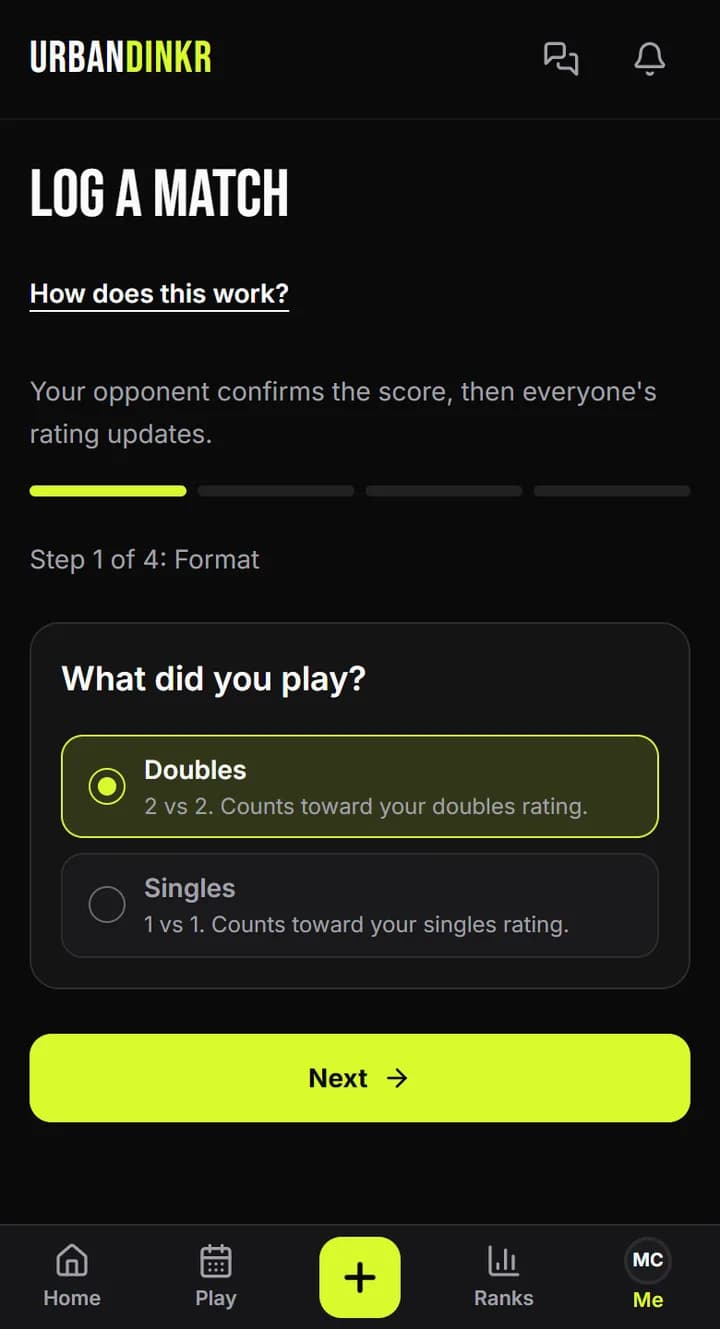
Pick Doubles or Singles, then tap Next.
- 3.
Add Your partner if it's doubles, then your opponents. Everyone needs an URBANDINKR profile.
- 4.
Under Scores, pick Game to (points) and type the scores, yours first. For best of 3, tap Add game.
- 5.
Pick the Date: Today, Yesterday or Earlier. You can log matches from the last 14 days.
- 6.
Check the score, then tap Send for confirmation.
- 7.
It waits under Matches, then Sent, until an opponent confirms. Then ratings update.
Score rules
The winner needs the game's points and must win by 2. Past 10-10 in a game to 11, the winner needs exactly 2 more.
Made a mistake?
While it's waiting, find it under Matches, then Sent, and tap Delete. Then log it again.
Adding photos
Log a match has no photos. If you want a lineup and score photo, use Start a match before you play.
If nobody confirms
Your opponents have 72 hours. After that the match expires and no rating changes.
Still stuck? Contact us