Find and join a game
Find open play near you and grab a spot.
- 1.
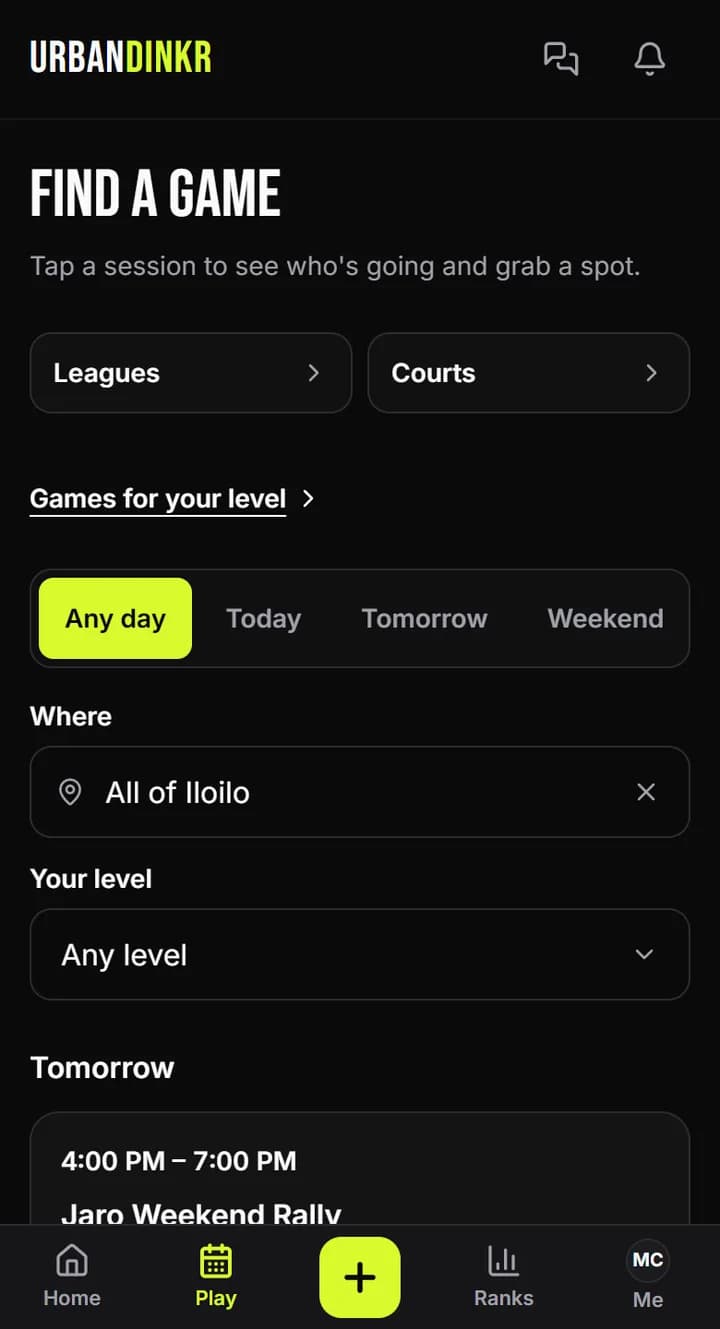
Open Play. You'll see Find a game, with sessions listed.
- 2.
Narrow the list by day, Where and Your level.
- 3.
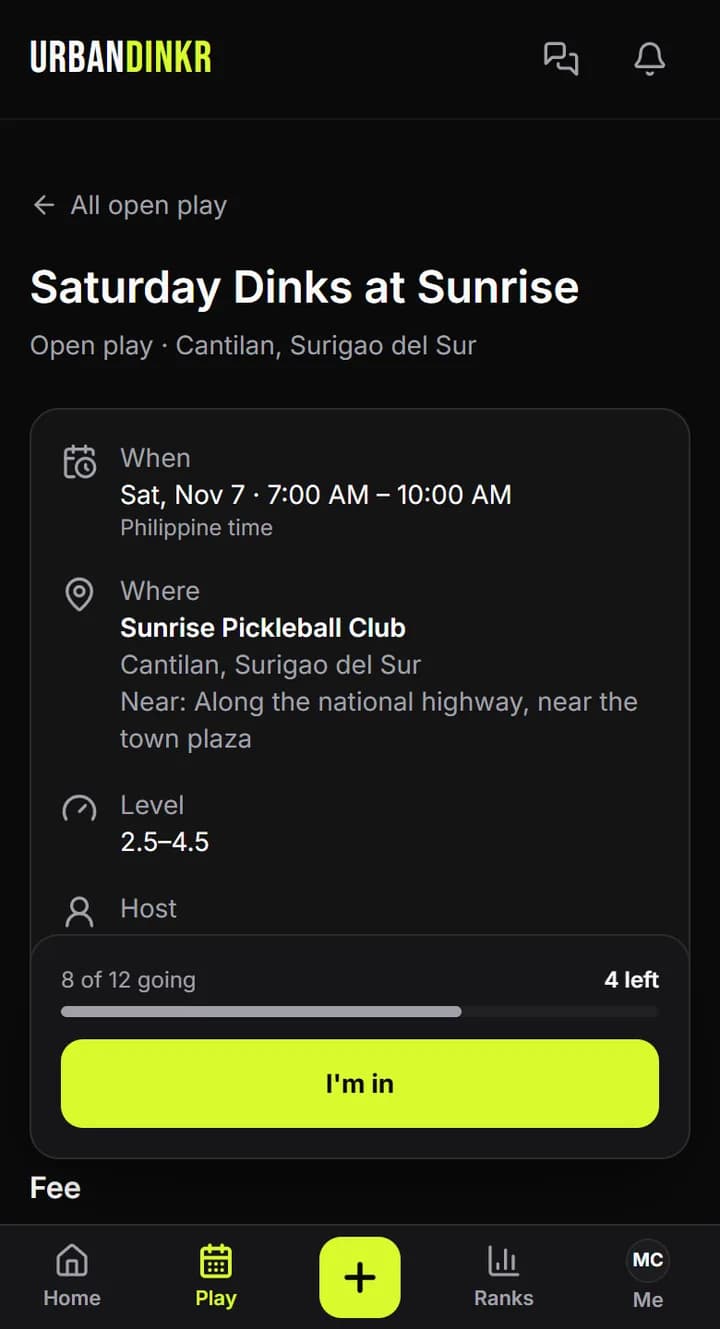
Tap a session to see the time, fee and who's going.
- 4.
Tap I'm in. If you aren't signed in, the button says Sign in to join.
- 5.
If it's full, tap Join waitlist. When a spot opens, the next player moves up and we let you know.
- 6.
Can't go? Tap Can't make it, then Cancel my spot. Your spot goes to the next player.
Paying for a session
URBANDINKR takes no payments. The session shows the fee, and the host's payment details show after you RSVP. Pay at the venue or by GCash.
Cancelling late
If you cancel less than 2 hours before the start, the host sees it as a late cancel.
Sessions picked for you
On a phone, tap +, then Find a game, to see sessions picked for your level and town.
Something wrong with a session?
Tap Report this session on its page. The host won't see who reported it.
Still stuck? Contact us