How the leaderboard works
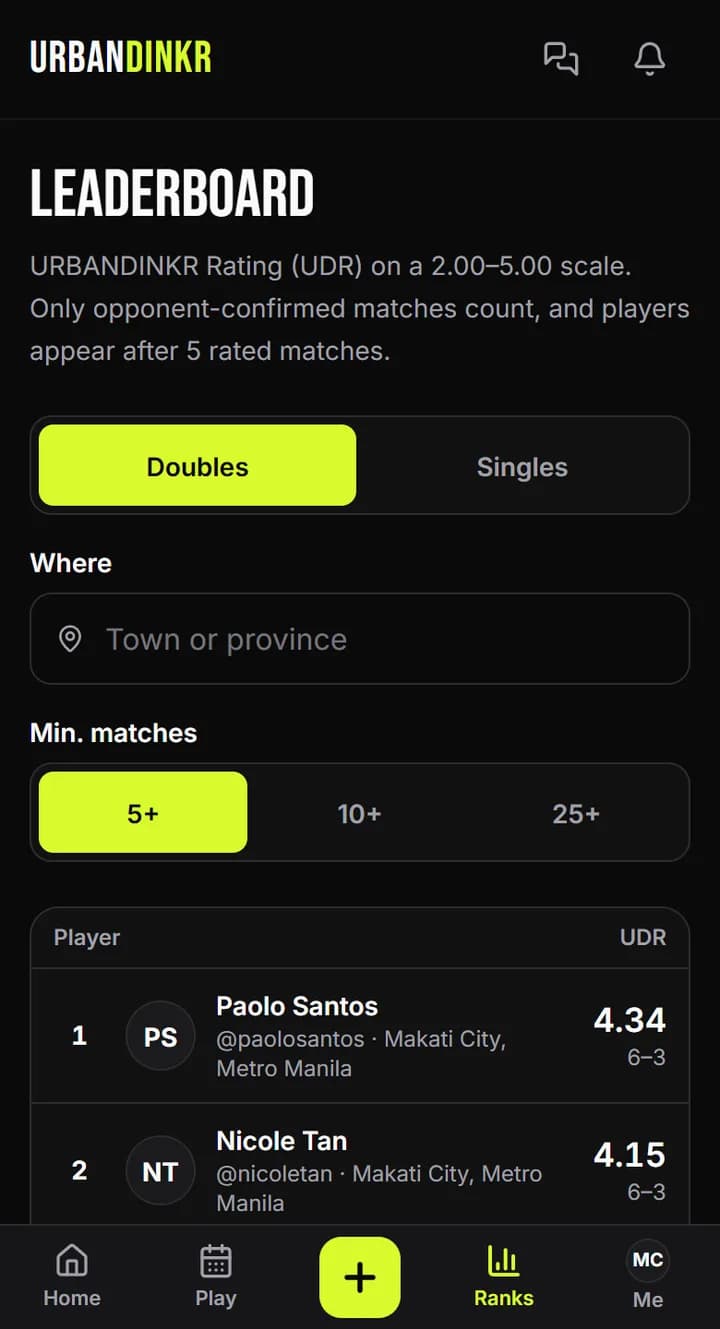
Players ranked by rating, for doubles and singles, in the whole country or your area.
- 1.
Open Ranks.
- 2.
Pick Doubles or Singles.
- 3.
Use Where to see one area, or everywhere.
- 4.
Use Minimum matches to set how many matches a player needs to show. You appear after 5 rated matches in that format.
- 5.
Not on the list yet? A note at the top tells you how many more you need.
What counts
Only rated matches an opponent confirmed. Unrated matches stay in your history but don't move you up.
Staying off the leaderboard
Turn off Show me on the leaderboard in your privacy settings. Other players' ranks close up, and only you see where you'd be.
Still stuck? Contact us